A safe place to be very small
The Ant Stories is a game for everyone. This page is for grown-ups: what the game does and does not do, how the Colony Membership is billed, and what to do if something goes wrong.
We will never ask for your password or offer free coins. Not in the game, not by email, not on social media. Anyone who does is not us. Only buy in the game’s own Store or on this website (theantstories.com).
What the game does not have
No chat
No messages, no friends lists, no voice. Nobody in the game can contact your child.
No trading
Coins and items cannot be traded, gifted or sent between players, so there is nothing for a scammer to ask for.
No links out
No social buttons or “follow us”. Copies of the game from Google Play and the App Store never send your child to a web page. Only copies from our own website (the Android download, the PC game) have one link, to our web store, and it opens only after the grown-up check.
No ads
No advertising. Progress is saved on the device. Online, the game also uses a random anonymous id (for gift codes) and a random Player ID (for our web store) in Firebase, which the privacy policy explains.
No loot boxes
Every purchase says exactly what it gives before you pay. Where a pack lets you choose a weapon or shield, you pick it first. Nothing is random.
Codes only from us
A gift code is typed in the game’s Store. We never ask for a code by email or chat. A code offered by a stranger is not from us.
Purchases, and how to control them
The game is free to download and the first chapter is free. The episodes, and packs of coins, armour and gear, can be bought. Everything that can be bought can also be earned by playing, more slowly.
- A grown-up check before every purchase. A number written in words (for example “four hundred and twelve”) must be typed as digits. Three wrong tries cancel the purchase.
- To stop purchases altogether, use the device’s own parental controls (below). The game has no switch of its own; the grown-up check stays before every purchase.
- Clear prices. Every button shows the price from the store, and the buy card says what is paid and through which store.
- A spending line. The store and the Grown-ups screen show this month’s purchases, for example “Purchases this month: 2, about $6.98”.
- Family approval is respected. With Ask to Buy on iPhone or a family manager on Google Play, the game says “Waiting for approval” and gives nothing until you approve.
You can also block purchases on the device
- Android: in the Google Play Store app, open your profile picture, then Settings > Authentication > Require authentication for purchases and choose “For all purchases”. Google Family Link can also require your approval.
- iPhone and iPad: Settings > Screen Time > Content & Privacy Restrictions > iTunes & App Store Purchases > In-app Purchases > Don’t Allow.
- Steam: Steam Families lets a parent approve or block purchases for a child’s account.
Buying on our website
Grown-ups can also buy diamonds and packs on our Diamonds and Packs pages, by typing the player’s Player ID (shown in the game’s Store and Settings). No account is made and we ask only for that number; Stripe takes the payment. The device’s parental controls do not cover the website, so keep your card details out of children’s reach. Refunds for these purchases are made by us: email support@zonetick.com. The web store is not open yet.
Colony Membership
Colony Membership is optional. It costs US$9.99 a month on Google Play or the App Store (the store shows the local price). While it is running, foragers can also gather resin, crystal dew and ember ash, slowly. It does not give coins, gear or episodes.
- It renews every month until a grown-up cancels it in the store that billed you. On iPhone: Settings, then the Apple Account, then Subscriptions. On Android: Google Play, then Payments and subscriptions, then Subscriptions.
- Cancelling stops the next charge. The membership lasts until the end of the month already paid for.
- Refunds are made by Apple or Google, not by us. Use the steps under Asking for a refund.
- A separate 30-day pass can be bought with 999 diamonds. That pass does not renew.
The full draft wording is in the terms of use.
Asking for a refund
Every purchase in the game is made through the store, not through us, so refunds are handled by the store you bought from. Their own rules apply. Purchases on our website are refunded by us (see Buying on our website).
- Google Play: go to play.google.com > Order history, sign in with the account that paid, find the purchase and choose Request a refund or Report a problem.
- App Store: go to reportaproblem.apple.com, sign in with the Apple Account that paid, choose Request a refund and pick the purchase.
- Steam: go to help.steampowered.com, choose Purchases, pick the purchase and follow the refund steps.
If something you paid for did not arrive, try Restore purchases first (in the Store or in Grown-ups). Still stuck? Contact support.
What happens in the game
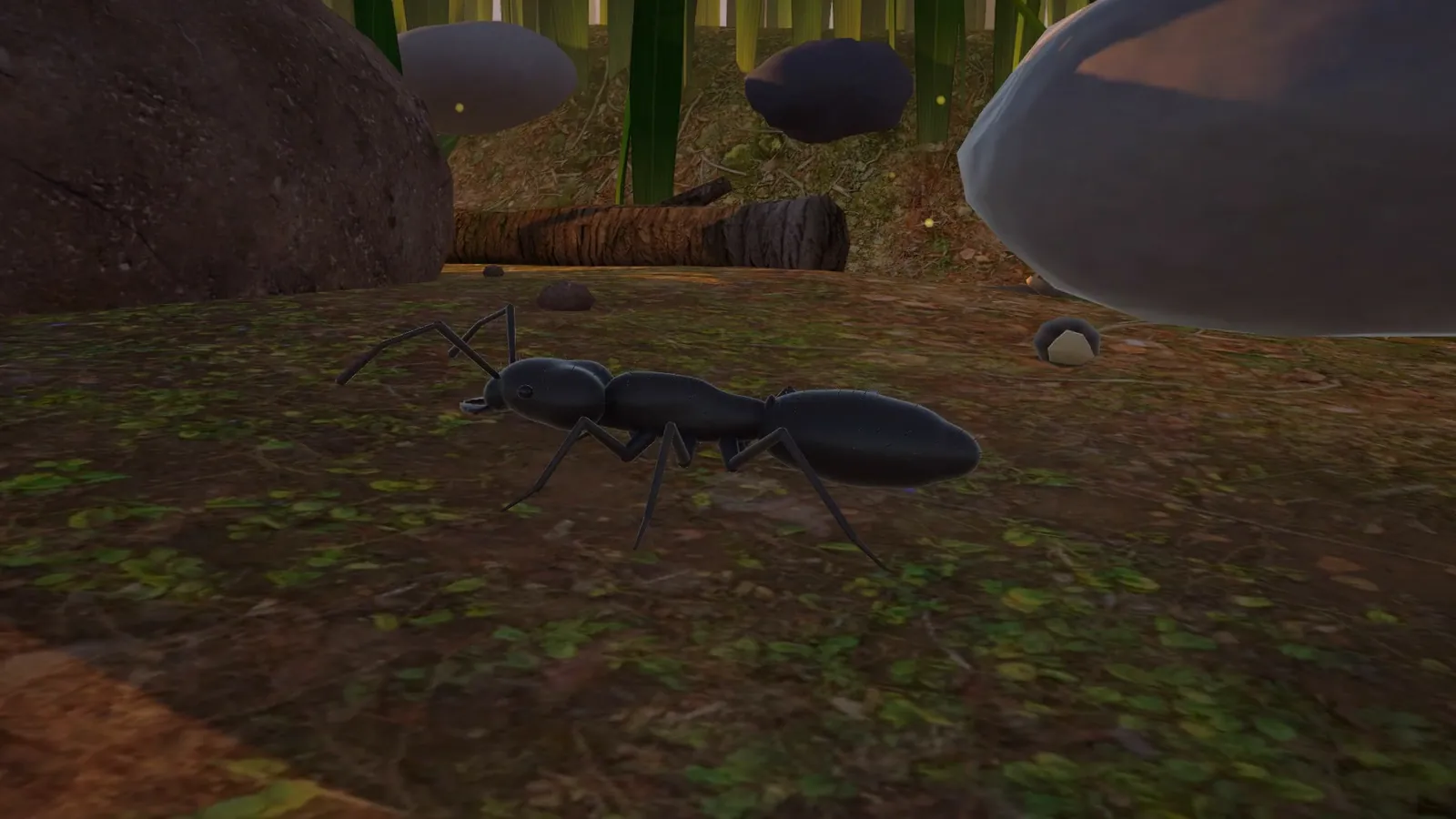
Ants fight spiders, beetles, termites and each other, as they do in nature documentaries, and some characters die, as real ants do. A calm narrator explains what is going on, with a dry sense of humour. The age rating will be set by each store’s rating process before release.
The game plays offline and on its own. Nothing your child does in it is seen by anyone else.
Questions
Email support@zonetick.com. We answer every message from a parent.